
01
Sales
Lead to proposal
Capture the customer once, qualify the opportunity, price the work, and send a professional proposal without rebuilding the record.
A signed opportunity is ready to become a job.
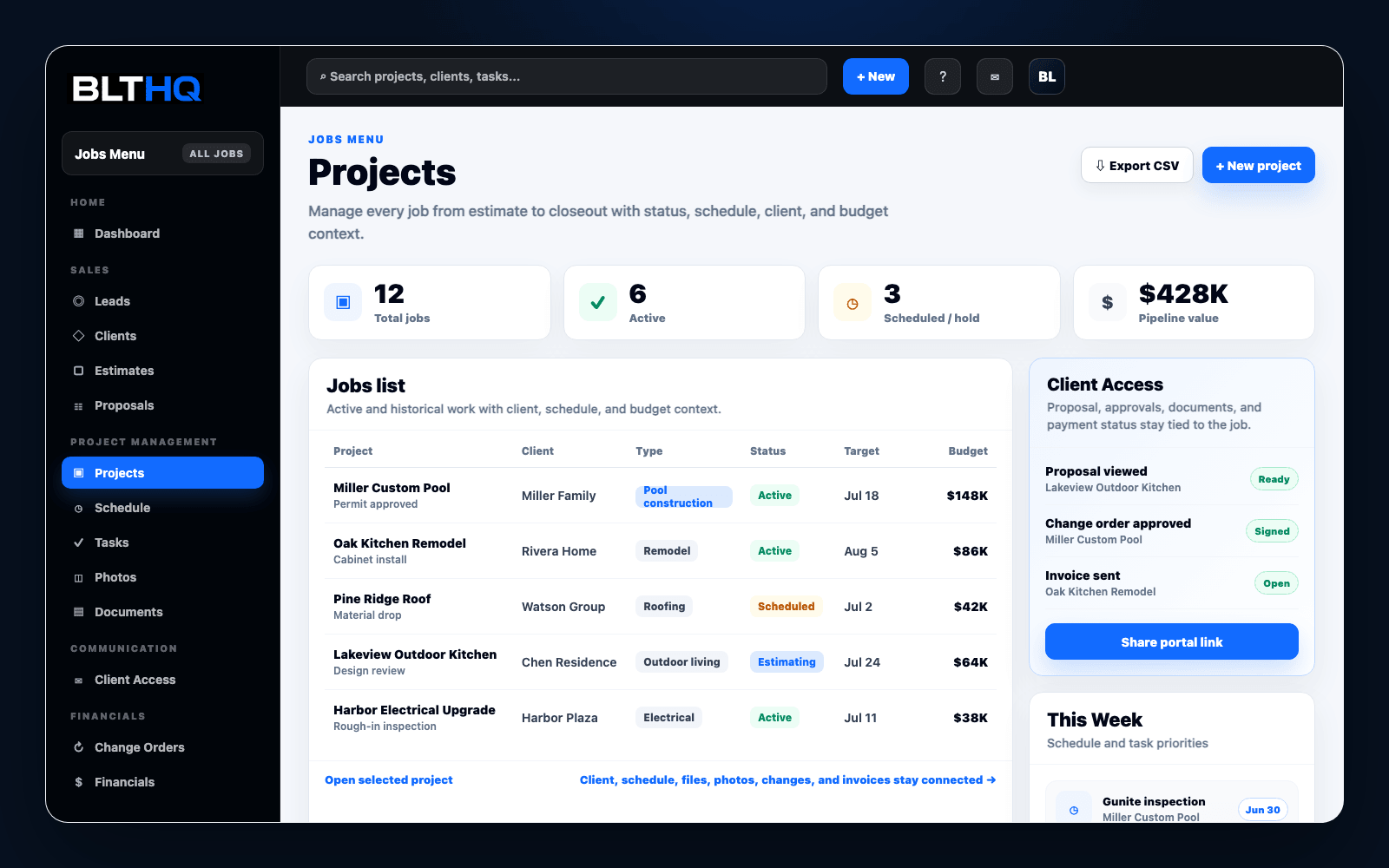
Guided product demo
See how BLTHQ connects sales, production, field proof, client communication, and billing before you create an account.
No login required for this walkthrough. The examples below use sample project information.
8
Active jobs
14
Open tasks
3
Client approvals
$18.4K
Open balance
Illustrative sample workspace metrics.
The walkthrough
Each stage starts with the context created in the stage before it, reducing duplicate entry and disconnected handoffs.
Sales
Capture the customer once, qualify the opportunity, price the work, and send a professional proposal without rebuilding the record.
A signed opportunity is ready to become a job.
Operations
Carry scope, client details, phases, schedule, tasks, documents, and team ownership into one active project record.
Office and field teams work from the same plan.
Field
Record progress with daily logs, photos, files, decisions, and completed work while the project is happening.
The job history stays complete and searchable.
Closeout
Share selected updates through the client portal, manage changes, send invoices, and track when the client receives them.
The client stays informed and payment follow-up is clear.
One connected experience
Publish a branded company site and route new inquiries directly into the same sales workflow.
Give clients a focused place for approved updates, photos, files, decisions, and invoices.
Keep phases, ownership, due dates, field activity, and financial context attached to the job.
Early customer pilot
Early teams can request a guided walkthrough and hands-on help configuring modules, importing initial records, and launching their first live job.
BLTHQ Support
Send a question about setup, pricing, or whether BLTHQ fits your contractor workflow.
Your message goes straight to the BLTHQ team. We reply by email.