
01
Sell
Turn interest into signed work
Capture inquiries, qualify opportunities, build estimates, and send proposals without recreating the customer record.
How BLTHQ works
BLTHQ keeps each handoff connected, so sales, office, field, clients, and financial follow-up work from the same source of truth.
The connected workflow
The record grows with the work, so your team spends less time rebuilding context between sales, production, and closeout.
Sell
Capture inquiries, qualify opportunities, build estimates, and send proposals without recreating the customer record.
Build
Convert the accepted work into phases, schedules, tasks, selections, RFIs, submittals, and clear ownership.
Prove
Keep photos, daily reports, drawings, documents, decisions, and approvals attached to the job as work happens.
Get paid
Share progress, handle changes and invoices, collect signatures, and close out without assembling the history again.
Fewer broken handoffs
Instead of stitching together separate tools, messages, and folders, BLTHQ carries the project history forward while keeping every role focused.
See the work clearly
Projects bring schedule, client access, field proof, financial context, and next actions together without forcing every role into the same crowded view.
Explore workspaces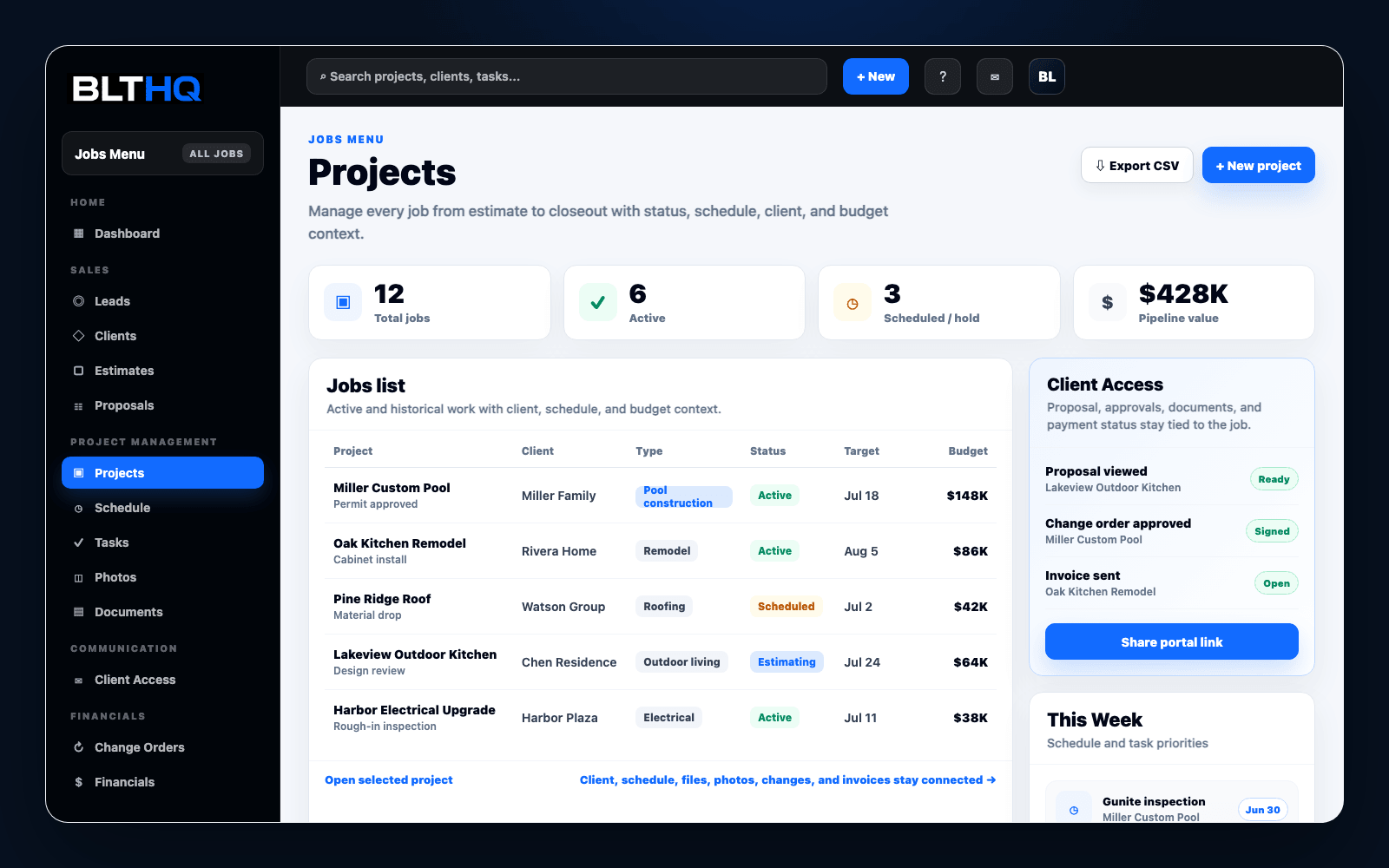
Connected beyond your team
Your public website and client portal are part of the same system—not disconnected add-ons your team has to maintain separately.
Capture new inquiries from your included company website and keep every follow-up attached to the same lead record.
Give clients a secure, focused view of the updates, files, approvals, photos, and invoices you choose to share.
Permissions and deliberate sharing controls keep internal operations separate from the client-facing experience.
See the complete workflow in your business
Start with a contractor template, then adapt the workflow and visible modules to your team.
Start your free trialBLTHQ Support
Send a question about setup, pricing, or whether BLTHQ fits your contractor workflow.
Your message goes straight to the BLTHQ team. We reply by email.